DEPOSIT GUIDE · EN-GB / GBP
Casino deposit failed: check the transaction before retrying
 Partner offers · Country: United KingdomUpdated 11 November 2026
Advertising. Bonus amounts, ratings and review counts are supplied by advertisers and have not been independently verified. Check eligibility and current terms with the operator. 18+. These international campaigns have no dedicated GB offer; GB availability has not been confirmed.

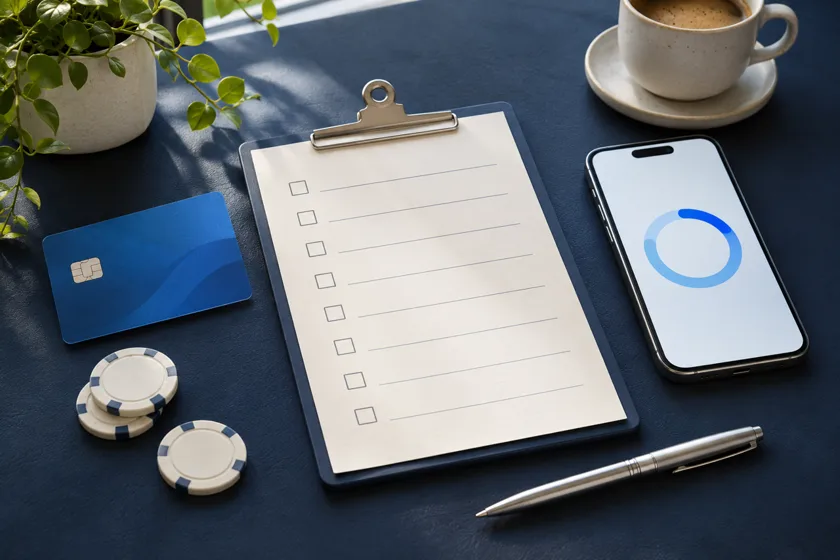
When a deposit fails, the account message alone may not tell you whether a bank authorisation was created. Check the bank or wallet record first, then compare the amount and time with the operator’s cashier history. Do not immediately submit the same payment again while the first attempt is unresolved.
A short diagnostic checklist
- Read the exact status. Note whether the attempt says declined, failed, pending or successful.
- Check the payment account. Look for a pending authorisation and a completed transaction; they are not the same state.
- Check the details. Confirm the payment account is in your own name, the amount and currency match, and any authentication request was completed.
- Ask the right provider. The bank or wallet can explain its decline; the operator can confirm whether its processor received the transaction.
- Keep the reference. If support cannot find it, ask what reference or reconciliation process they need.
Common explanations to verify
A provider may decline a payment because of incorrect details, a security or authentication check, a transaction limit, insufficient available funds, an account restriction or a gambling-payment block. These are possibilities, not a diagnosis. Only the provider involved can confirm its reason. A credit card cannot be used for online gambling with a licensed GB operator; see the credit-card restriction guide.

For a card attempt, check once that the expiry date and billing details are current and that any issuer authentication was completed in the issuer’s own app or secure page. If the issuer says it declined the transaction, ask it for the reason. Do not send a one-time code to operator support or keep changing card details to force approval.
| What you observe | Safe next step |
|---|---|
| No debit and no pending amount | Ask the operator whether it received a decline code; ask your bank if the reason is unclear |
| Pending amount but no casino credit | Follow the pending transaction guide |
| Completed debit but no balance entry | Follow the missing deposit guide |
| Bank says gambling payments are blocked | Respect the block; see bank payment blocks |
Avoid repeated attempts
Repeated retries can produce several pending authorisations or make it harder to identify the original attempt. Do not switch to a different route to defeat a block, account limit or restriction. If the operator does not resolve a payment dispute, use its formal complaint process; the complaint route explains the next steps.
Sources
- Gambling Commission: preventing credit-card use
- Gambling Commission: payment methods and services
- Gambling Commission: how to complain
FAQ
The cashier says failed but my bank shows a payment. What now?
Ask the bank whether it is a pending authorisation or a completed transaction. If completed, ask the operator to trace it using the date, amount and payment reference.
Should I make another deposit while I wait?
No. First establish whether the original amount is pending, completed or released. Repeating it may create another payment attempt.